Guava cursor
0Free
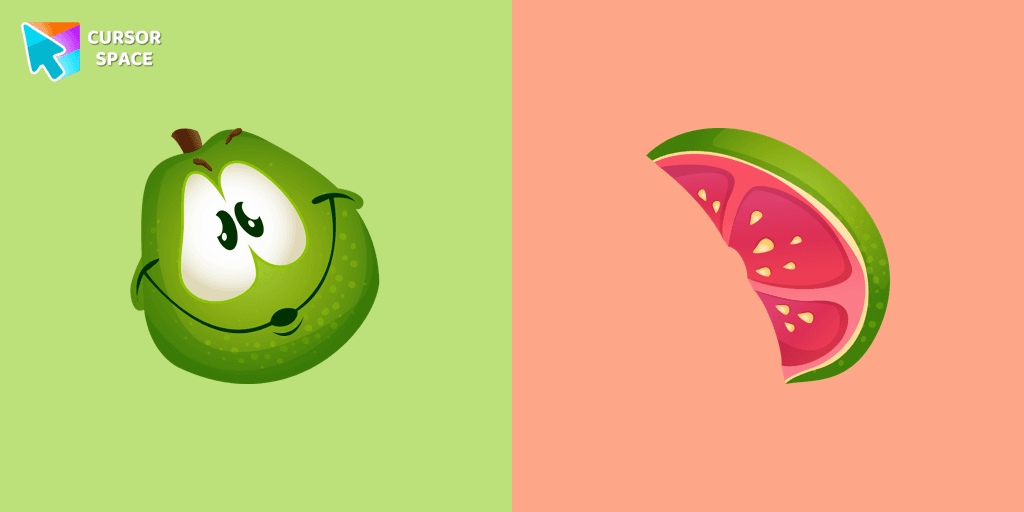
If you want to change your usual cursor to something cute, our guava cursor for mouse and pointer will be a good match for this job. Cute little guava cursor and pointer in our adorable custom cursors collection Fruits Cursors.
Install the Cursor Space extension for Chrome or Cursor Space for Edge in your browser.
On this page, click "Add this cursor pack to the extension".
Open the extension and go to the Packs tab.
Find the custom cursor pack "Super Mushroom Pixel cursor" and click it.
Enjoy!
Get this cursor pack and thousands of others by installing our extension. It's fast and free!
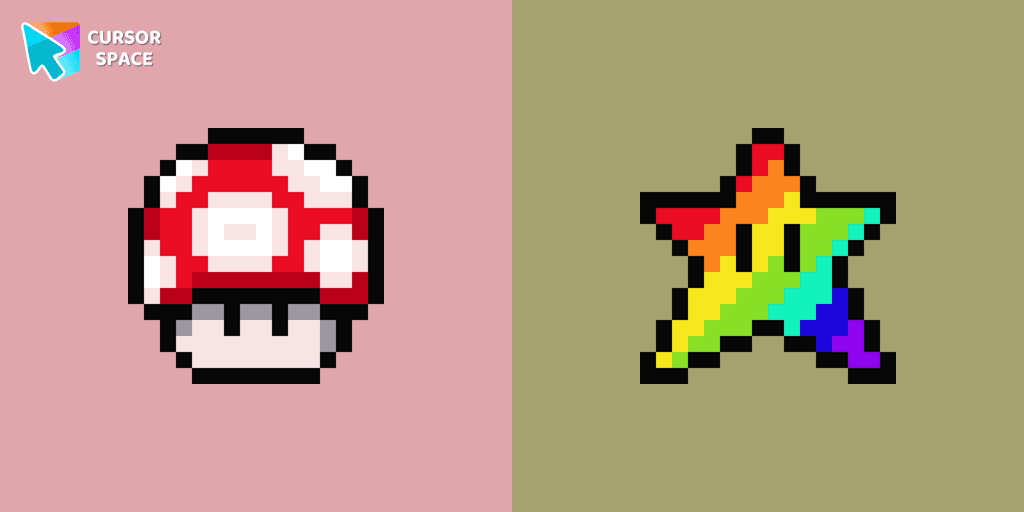
Super Mushroom Pixel Cursor is a themed cursor pack you can add to your browser to personalize your pointer across common cursor states (default and pointer). Use it for everyday browsing, streaming, studying, or gaming-anywhere you want your cursor to match your vibe.
See how the cursors look before installing.
Add the pack to the extension in a few clicks.
Designed for Chrome and Edge via the extension.
Quick answers to common questions about cursor packs, collections, and installation.
Yes. To apply cursor packs in Chrome or Edge, install the Cursor Space extension and add this pack to it.
Cursor packs are designed for Chromium browsers like Chrome and Microsoft Edge.
Open the extension, choose another pack or disable the current one to return to your default cursor.
Custom cursor and packs - neon, anime, pixel art. Quickly add to Chrome and Microsoft Edge for free
If you want to change your usual cursor to something cute, our guava cursor for mouse and pointer will be a good match for this job. Cute little guava cursor and pointer in our adorable custom cursors collection Fruits Cursors.

The greatest and biggest mammal on the earth is presented in our custom cursors collection with animals for mouse and pointer. Nice whale cursor for chrome in a mild blue color design.
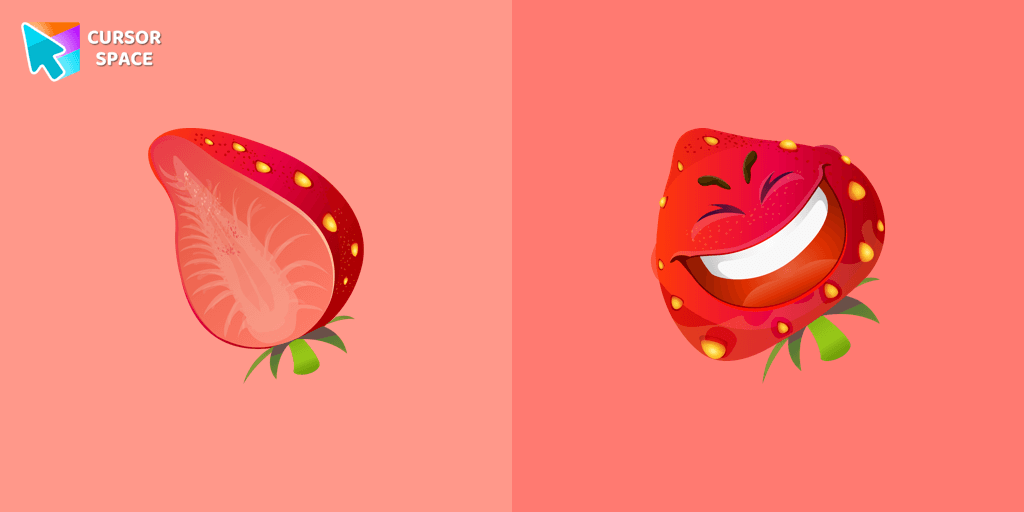
The happy strawberry custom cursor for a mouse will definitely make you feel happy as well. Add a custom cursor with strawberry fruit from the funny fruits custom cursors collection for Chrome.
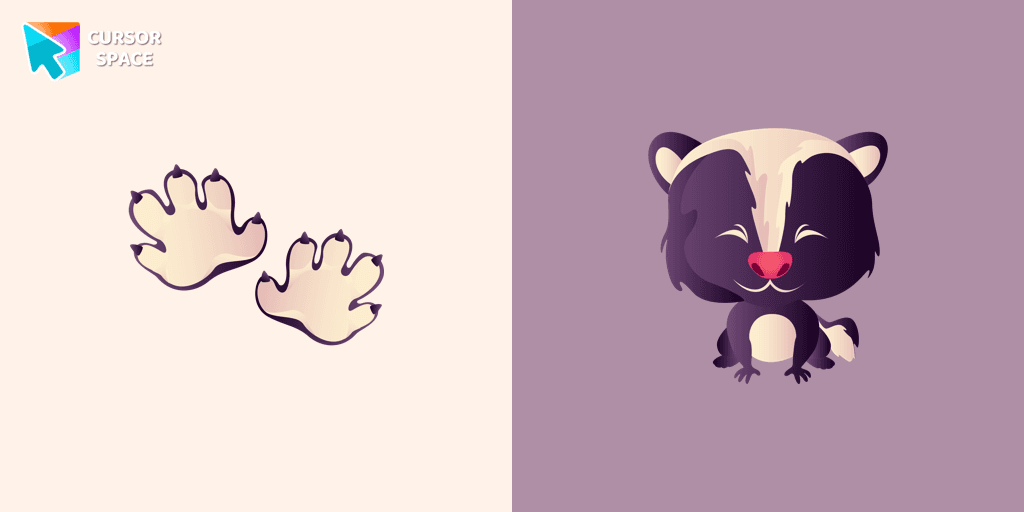
A predatory animal that loves to cause a lot of trouble! Meet the Sly Skunk cursor for Chrome in a custom cursors collection with Animals for mouse and pointers.
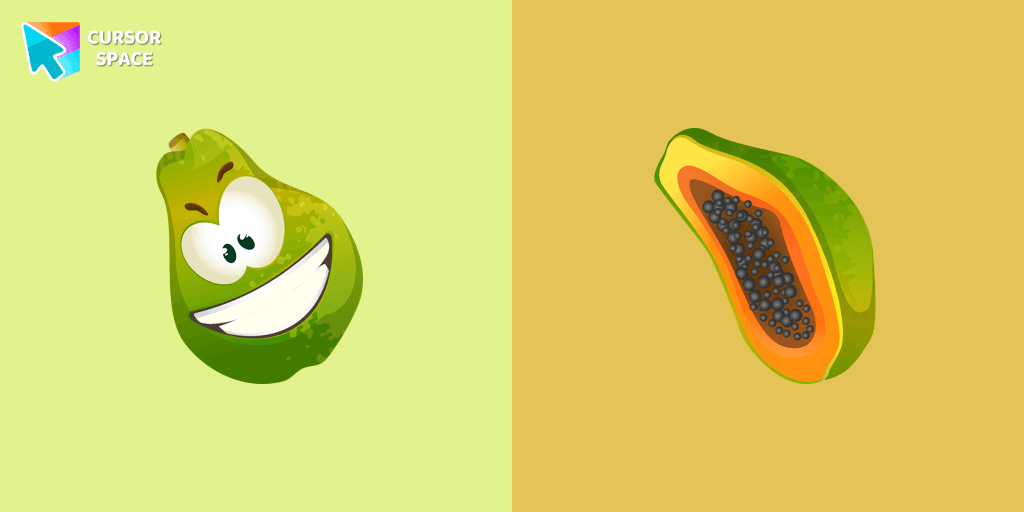
Juicy papaya cursor is illustrated for our Fruits Cursors custom cursors collection for Chrome. Slice of papaya as a cursor for the mouse and funny papaya pointer will look pretty nice on your screen.
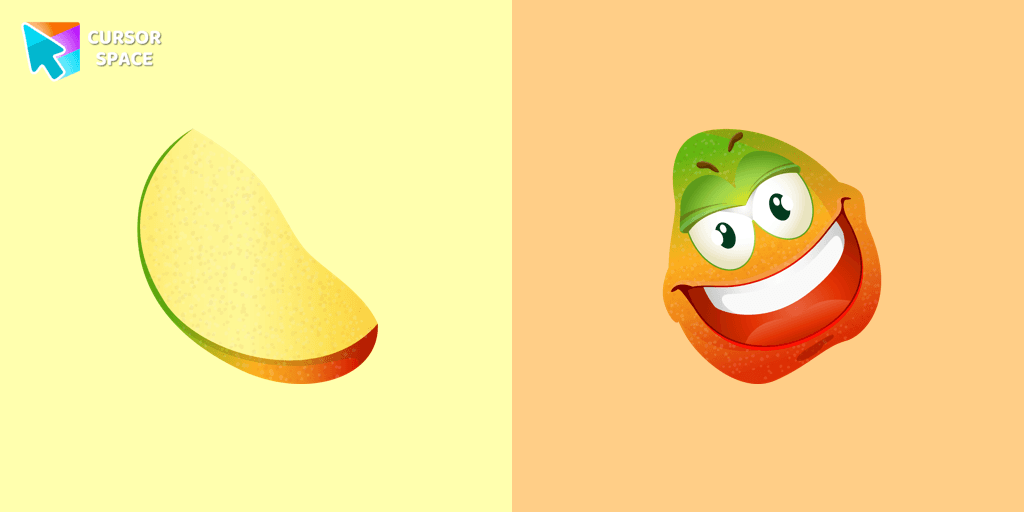
Merry mango cursor for mouse and pointer adds a fun mood to your everyday browsing the web. Funny fruits custom cursors collection for Chrome and its cursor with mango is here!
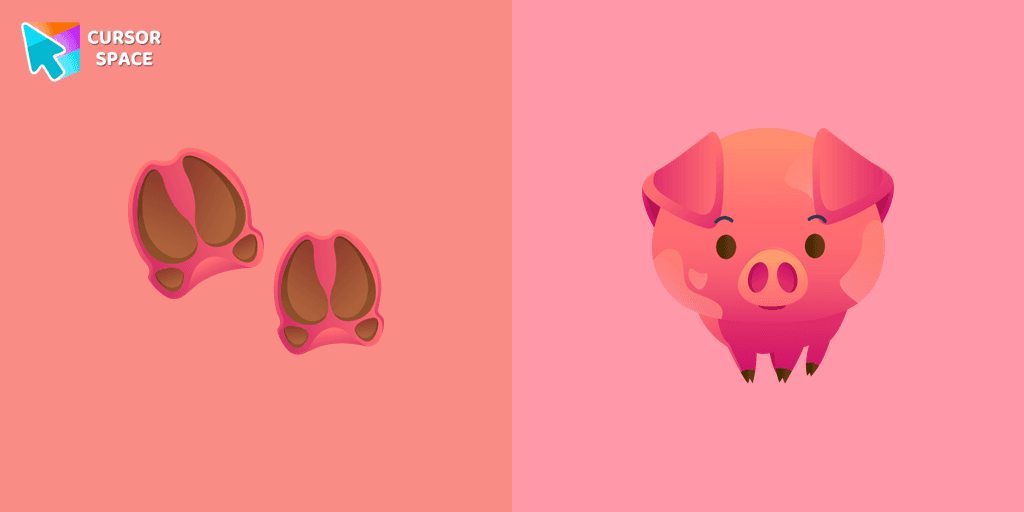
A funny pig from the farm is a well-known animal that lives near humans. We are glad to present this cute custom cursor with a pig animal from the adorable custom cursors collection for the mouse and pointer with animals.
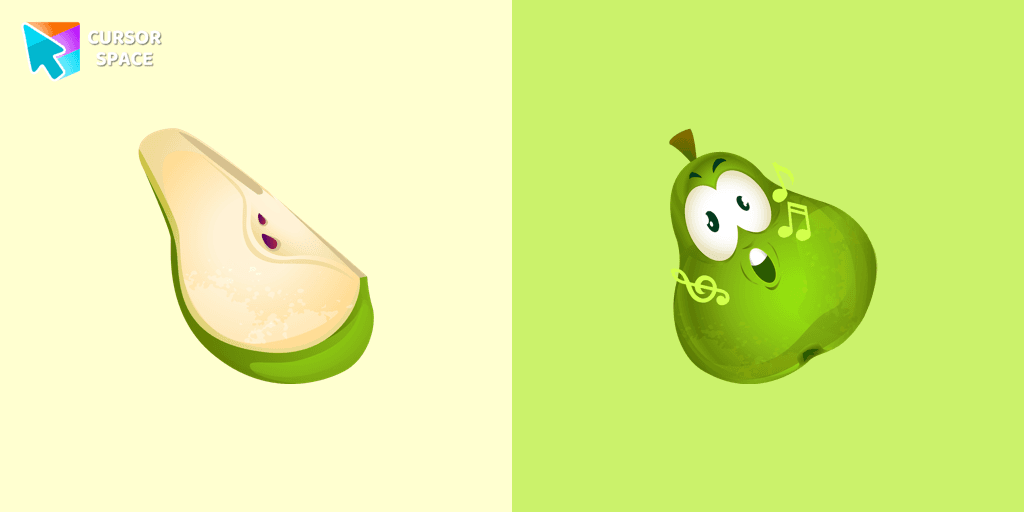
It’s a sweet and loved fruit from the Mediterranean area that pleases people by its good tasting. A cute pear cursor in musical decorations will change your default mouse cursor to a funny custom cursor and pointer.
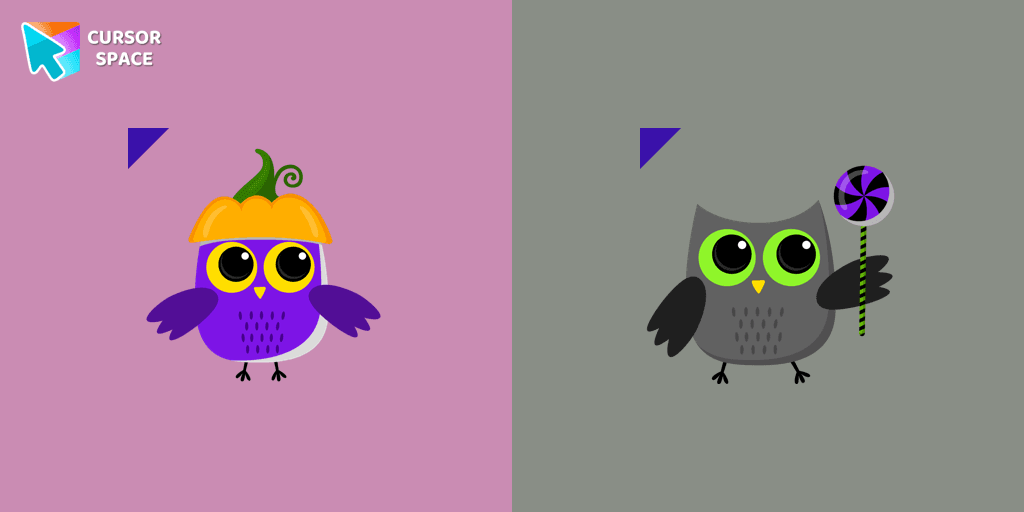
Most owls sleep during the day and hunt at night. Add a custom cursor with owl from our adorable custom cursors collection with animals.
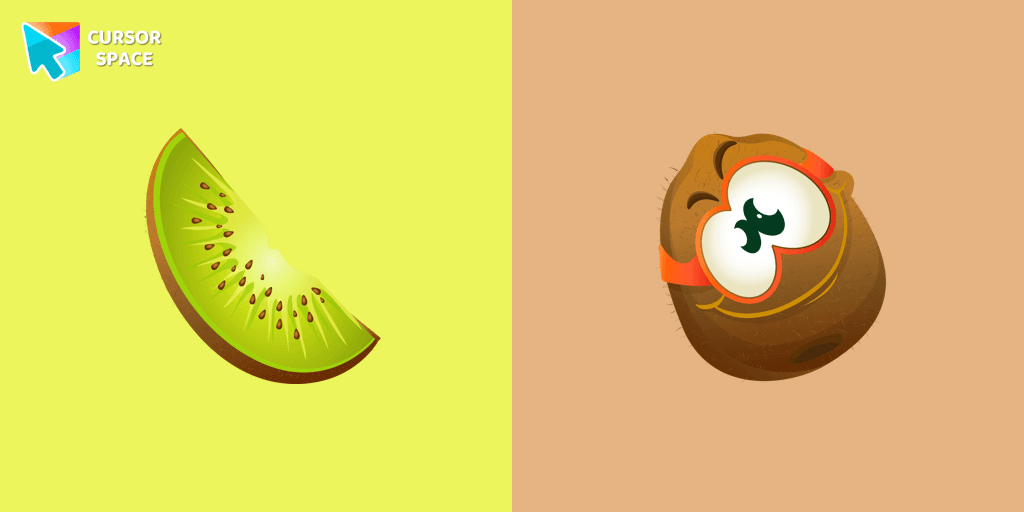
Funny kiwi cursor for mouse and pointer is illustrated for the custom cursors collection for mouse and pointer.
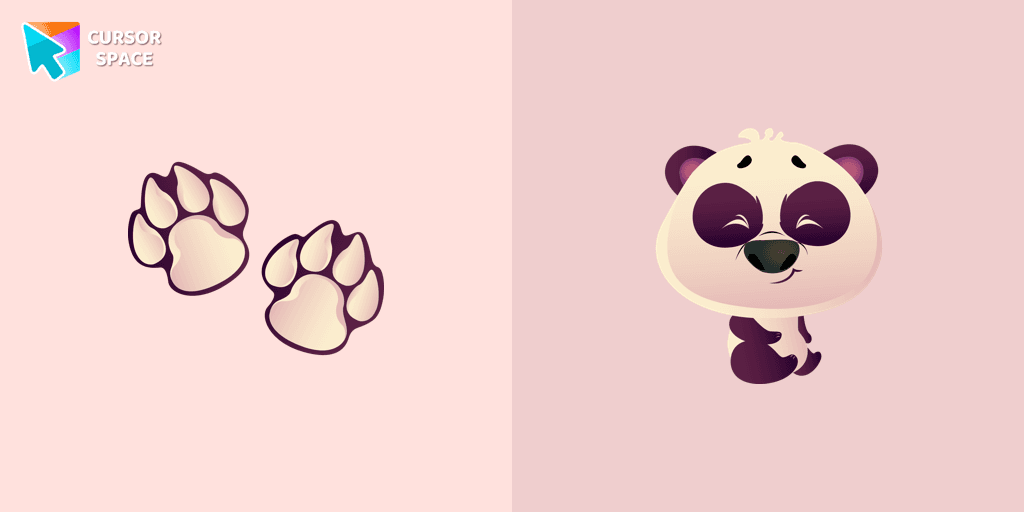
The panda is one of the rarest animals in the world. It lives only on the territory of China. Happy Panda cursor for mouse and pointer is illustrated for the custom cursors collection for mouse and pointer.
Installation leaders from "Pixel Art": free packs, neon/anime/pixel art, quick add to Chrome and Edge.

Meet the happy Corgi Pixel cursor for Chrome in a Cute Pixel custom cursors collection for mouse and pointers.

Pac-Man custom cursor from our Cute Pixel cursors collection for mouse and pointer.

Pink Pixel Cursor is a custom cursor from our custom cursors collection for Chrome.
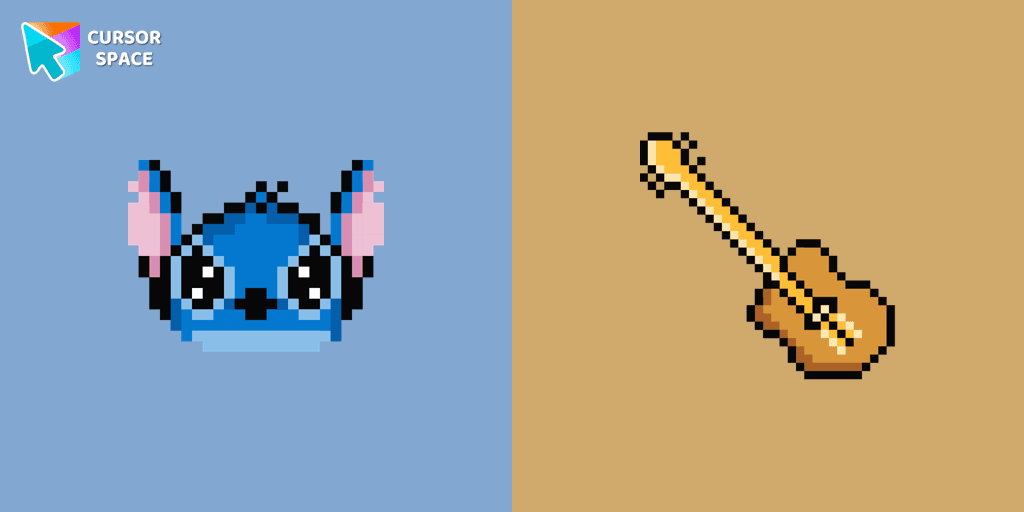
The only thing that can destroy Stitch Pixel Cursor from our custom cursors collection for Chrome is boring time on the Internet.
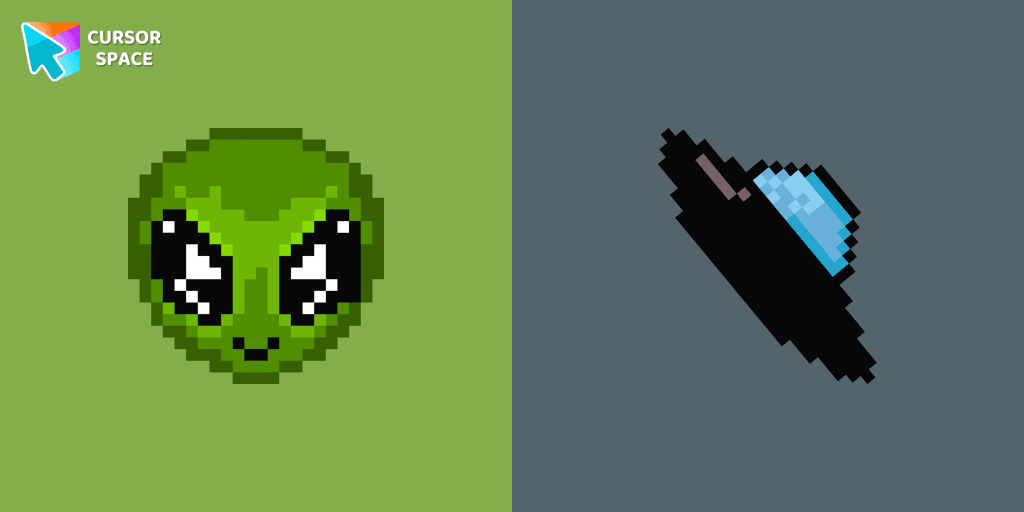
Transform your browsing with the cute custom cursor featuring an Alien Pixel design. Perfect for Chrome users and Pixel art fans
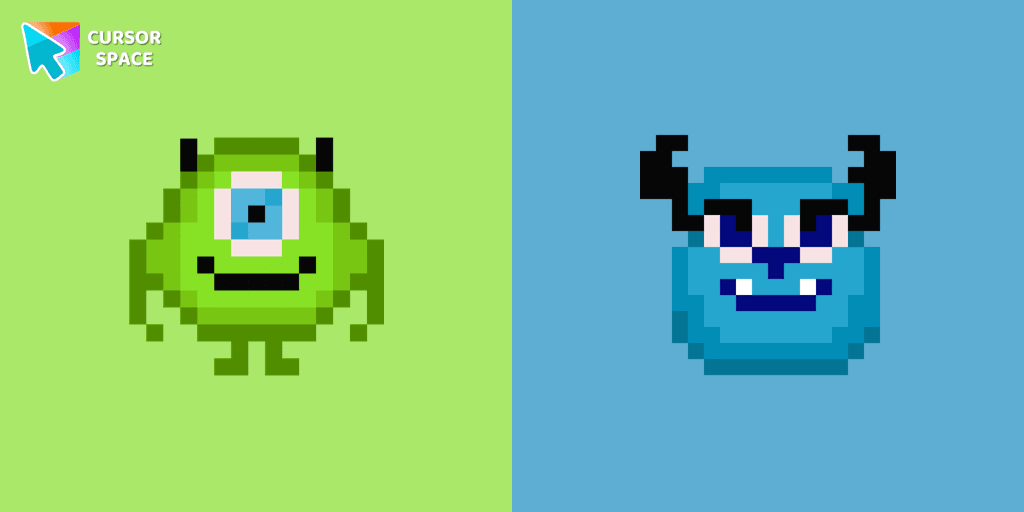
Cute custom cursor with Monsters, Inc includes a mouse cursor in the form of Mike Wazowski and a hover pointer with James P. Sullivan.
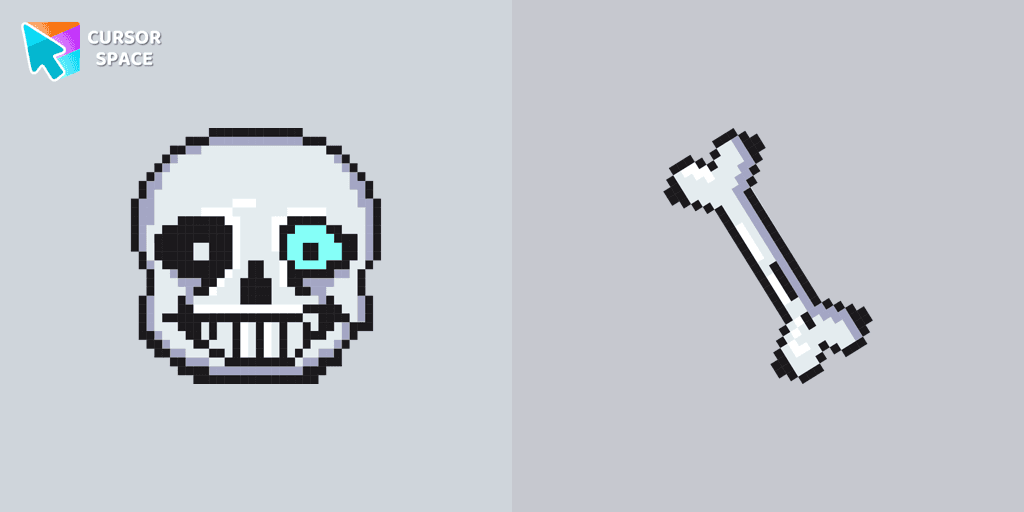
Undertale Sans Pixel Cursor from our Cute Pixel custom cursors collection for Chrome was created especially for Halloween.

Default Purple Pixel Cursor is a custom cursor from our custom cursors collection for Chrome.
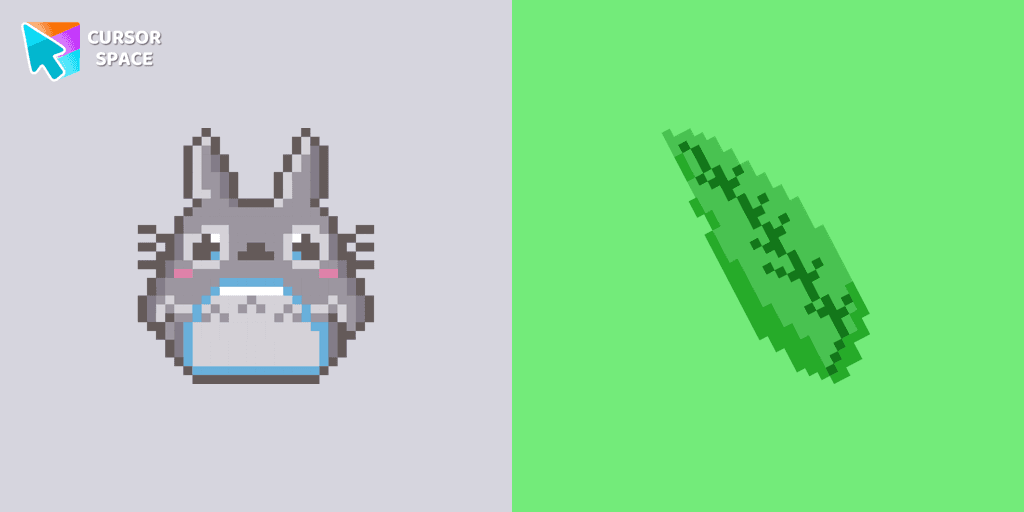
Totoro is a big, furry, cute, funny, and kind gray creature, the keeper of the forest invisible to adults, an anime movie character now in our Cute Pixel custom cursors collection for Chrome.

Custom cursor with My Melody and ice cream as a hover in a set of Cute Pixel cursors for Chrome.

Saturn Pixel custom cursor from our Cute Pixel cursors collection for mouse and pointer.

The Guy Fawkes Mask Pixel item is a pretty designed set of mouse cursors with a stylish hover.
Add packs instantly and unlock access to thousands of cursors: neon, anime, pixel-art, and more. Fast, safe, and free.
Cursor Space is an extension for changing your mouse cursor in Chrome and Edge browsers: themed collections, HiDPI icons, neon, animated, and pixel cursors, with quick installation.